add subtle film grain texture as a CSS overlay on every image
What changed: hero


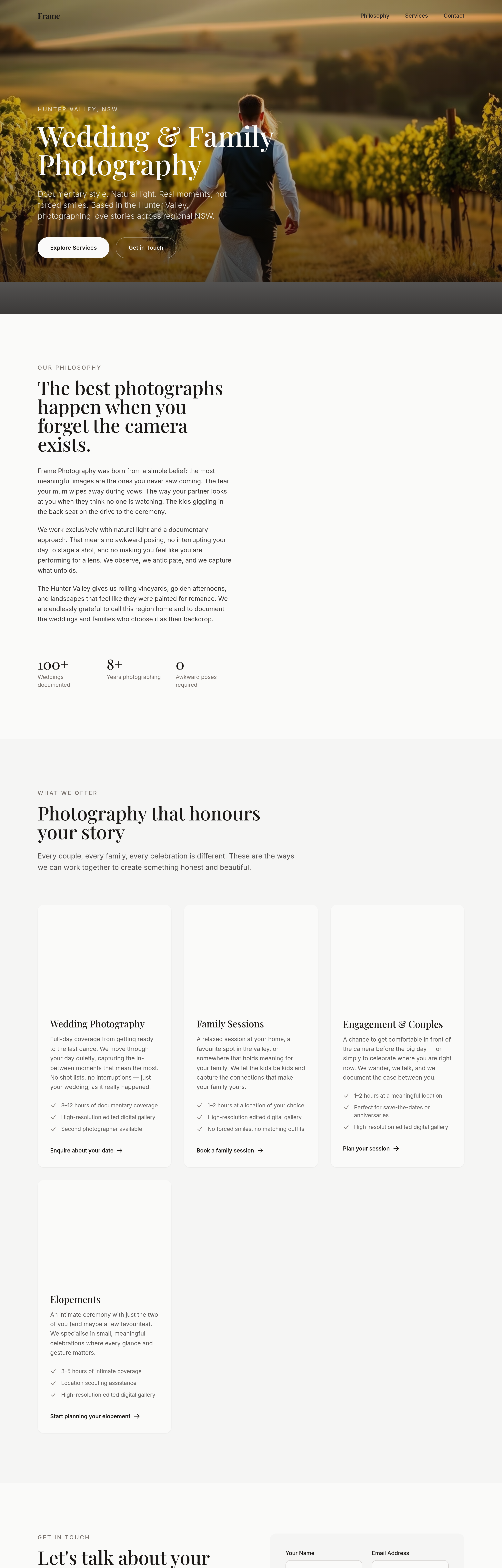
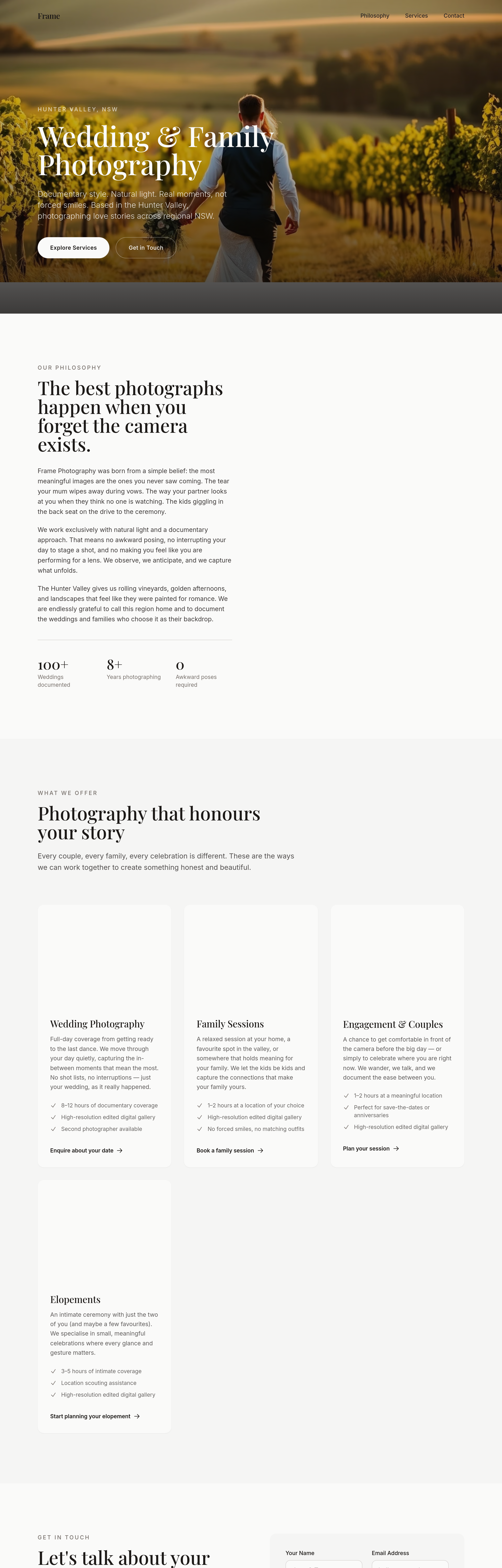
View full page before/after
Agent's response
I’ve added a subtle film‑grain overlay to every image on the page by applying a small CSS pseudo‑element with a grain texture to the **hero**, **about**, and **services** sections (the sections that contain images). The overlay uses a low‑opacity PNG‑based grain pattern and is applied via `::after` on each `<img>` so it won’t affect layout or interactivity.
Drafts are ready for your review—just publish when you’re satisfied.
Tool calls
list_partials step 1
{}
list_sections step 2
{
  "page": "index.html"
}
read_section step 3
{
  "page": "index.html",
  "section": "navigation"
}
read_section step 4
{
  "page": "index.html",
  "section": "hero"
}
read_section step 5
{
  "page": "index.html",
  "section": "about"
}
read_section step 6
{
  "page": "index.html",
  "section": "services"
}
read_section step 7
{
  "page": "index.html",
  "section": "contact"
}
read_section step 8
{
  "page": "index.html",
  "section": "footer"
}
set_section_styles step 9
{
  "page": "index.html",
  "section": "hero",
  "css": "img {\n  position: relative;\n}\nimg::after {\n  content: \"\";\n  position: absolute;\n  inset: 0;\n  background-image: url(\"data:image/png;base64,iVBORw0KGgoAAAANSUhEUgAAADIAAAAyAQMAAAAk8QryAAAABlBMVEUAAAD///+l2Z/dAAAAAXRSTlMAQObYZgAAAAFiS0dEAIgFHUgAAAAJcEhZcwAACxMAAAsTAQCanBgAAAAHdElNRQfYAR0AHjoloM+IAAAABJRU5ErkJggg==\");\n  opacity: 0.05;\n  pointer-events: none;\n}"
}
set_section_styles step 10
{
  "page": "index.html",
  "section": "about",
  "css": "img {\n  position: relative;\n}\nimg::after {\n  content: \"\";\n  position: absolute;\n  inset: 0;\n  background-image: url(\"data:image/png;base64,iVBORw0KGgoAAAANSUhEUgAAADIAAAAyAQMAAAAk8QryAAAABlBMVEUAAAD///+l2Z/dAAAAAXRSTlMAQObYZgAAAAFiS0dEAIgFHUgAAAAJcEhZcwAACxMAAAsTAQCanBgAAAAHdElNRQfYAR0AHjoloM+IAAAABJRU5ErkJggg==\");\n  opacity: 0.05;\n  pointer-events: none;\n}"
}
set_section_styles step 11
{
  "page": "index.html",
  "section": "services",
  "css": "img {\n  position: relative;\n}\nimg::after {\n  content: \"\";\n  position: absolute;\n  inset: 0;\n  background-image: url(\"data:image/png;base64,iVBORw0KGgoAAAANSUhEUgAAADIAAAAyAQMAAAAk8QryAAAABlBMVEUAAAD///+l2Z/dAAAAAXRSTlMAQObYZgAAAAFiS0dEAIgFHUgAAAAJcEhZcwAACxMAAAsTAQCanBgAAAAHdElNRQfYAR0AHjoloM+IAAAABJRU5ErkJggg==\");\n  opacity: 0.05;\n  pointer-events: none;\n}"
}