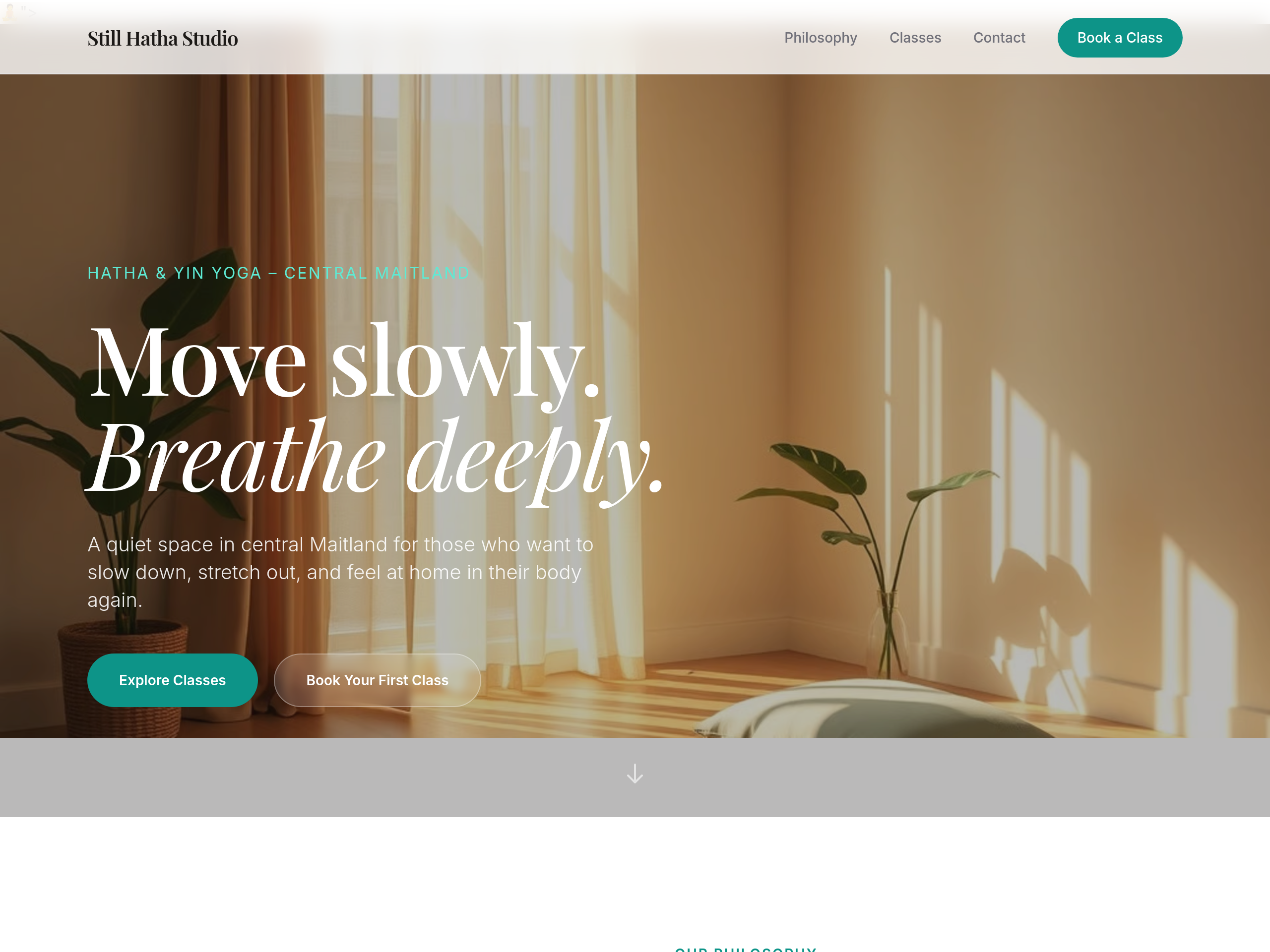
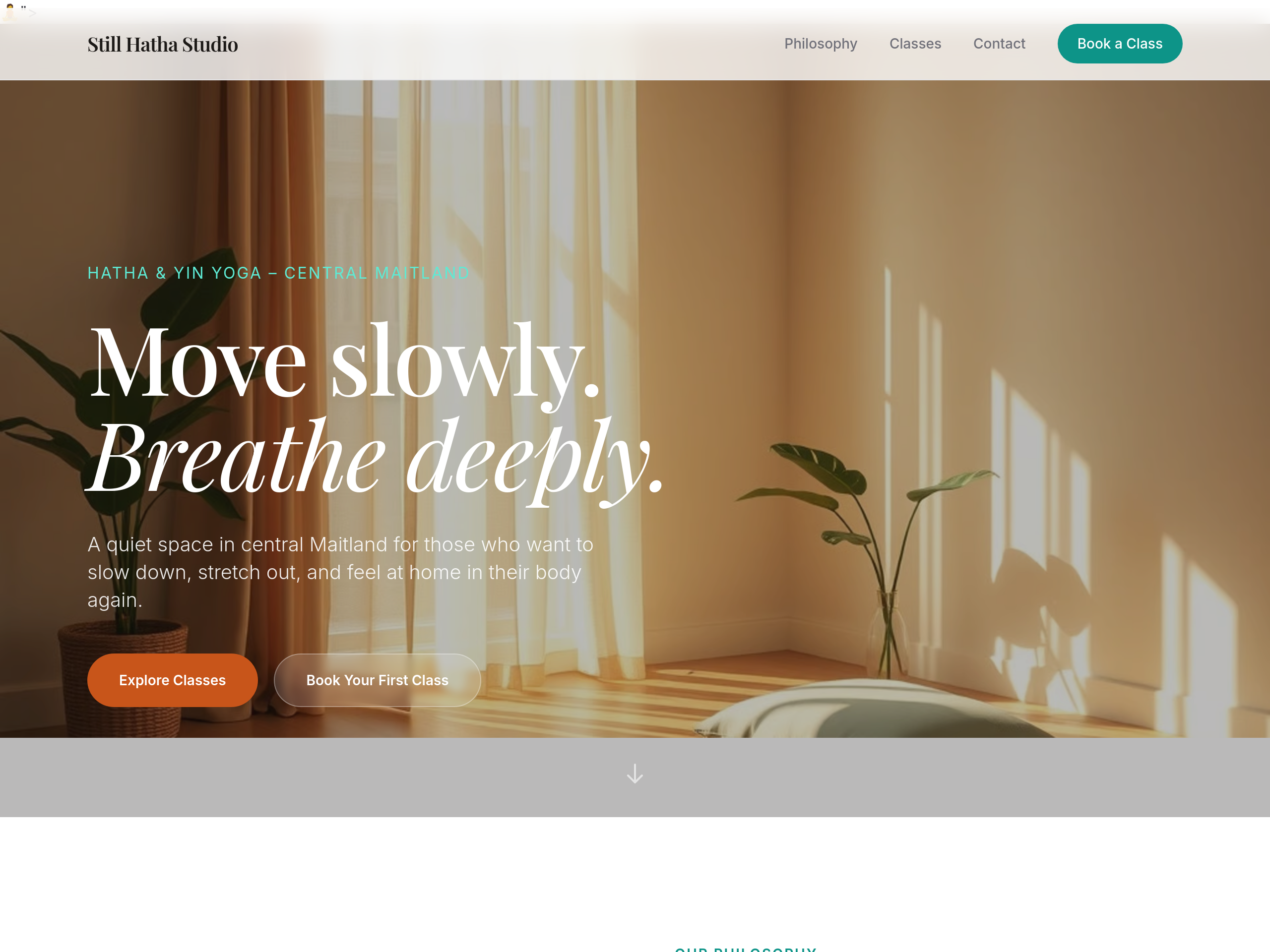
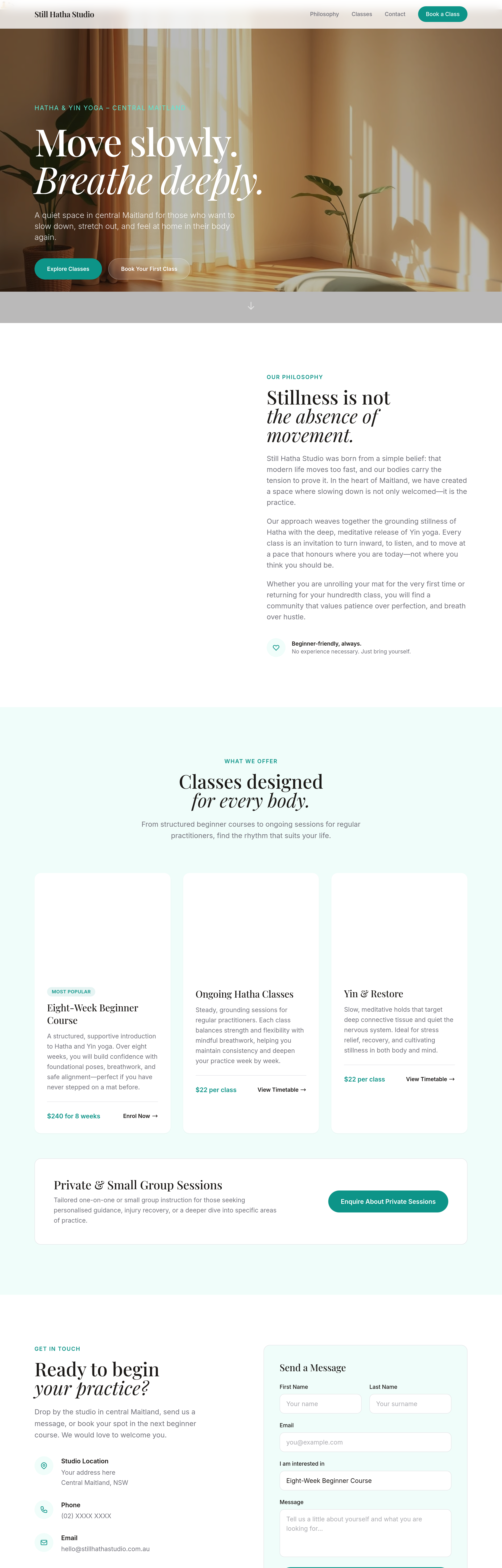
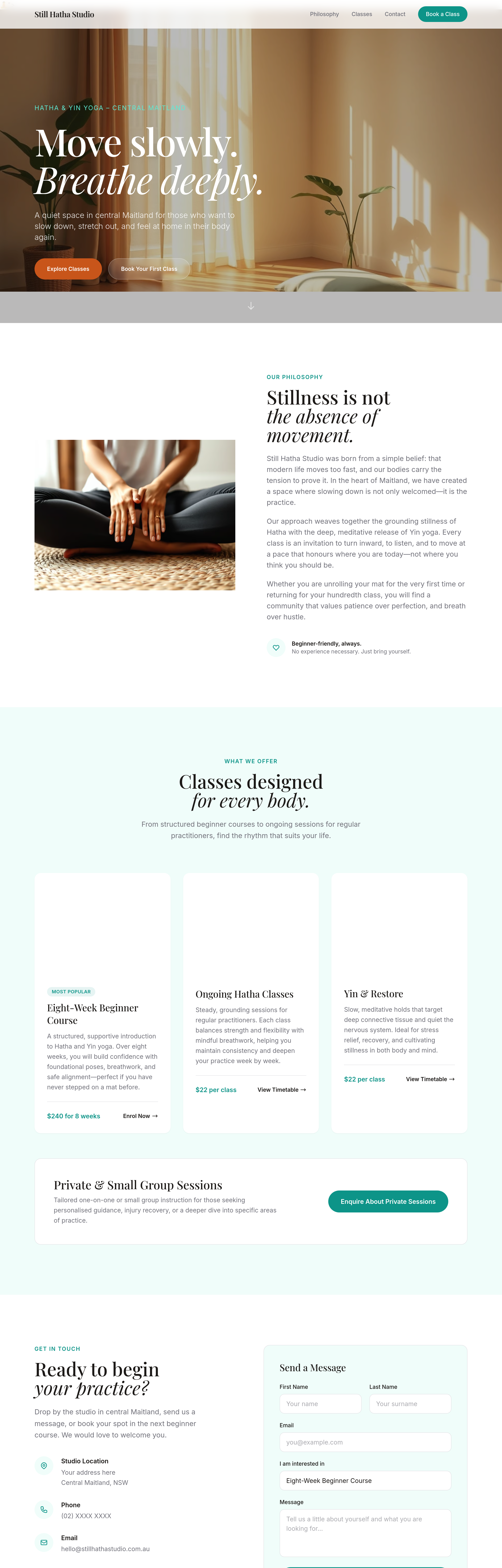
change the primary button colour from green to a warm terracotta
What changed: hero
View full page before/after
Agent's response
I’ve updated the primary “Explore Classes” button in the hero section of index.html, changing its background from the original green to a warm terracotta (#c8551a) with a darker hover shade (#b04915). The draft is ready for your review.
Tool calls
list_sections step 1
{
  "page": "index.html"
}
read_section step 2
{
  "page": "index.html",
  "section": "hero"
}
set_section_styles step 3
{
  "page": "index.html",
  "section": "hero",
  "css": ".bg-primary { background-color: #c8551a; }\n.bg-primary:hover { background-color: #b04915; }"
}