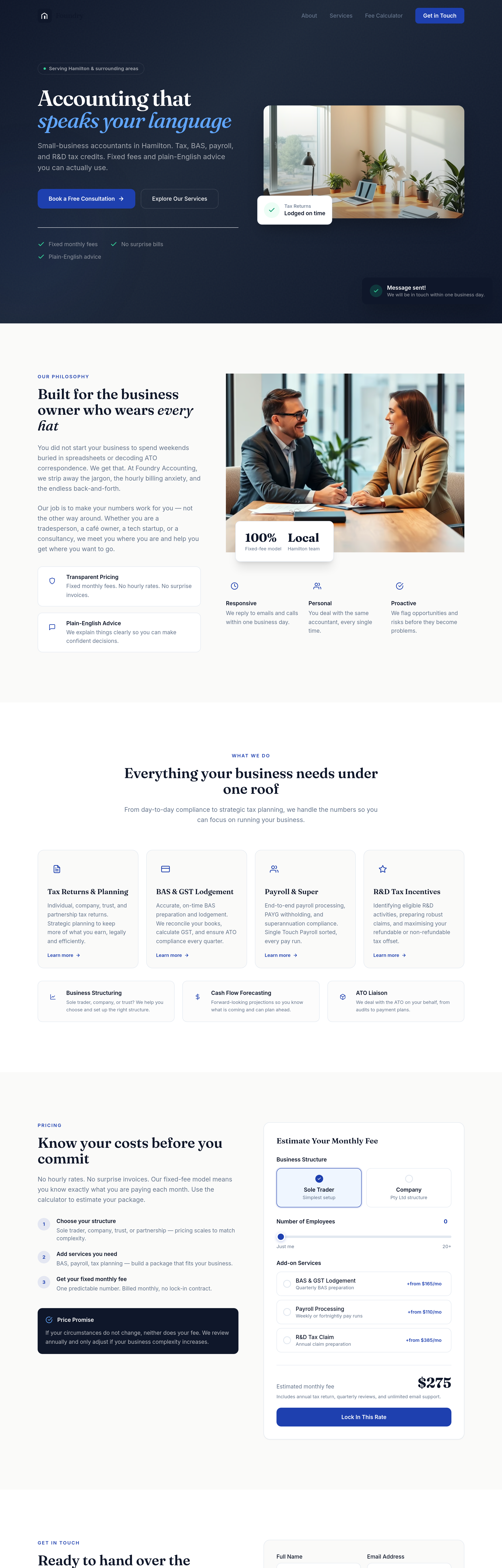
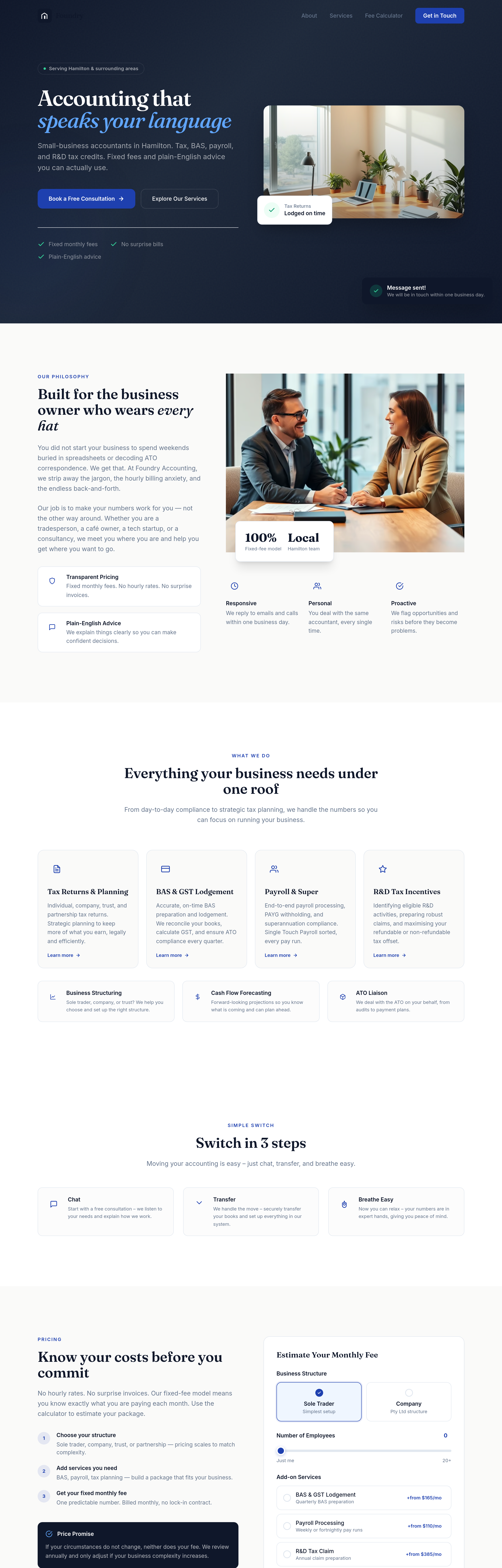
add a 'switch in 3 steps' section: chat, transfer, breathe easy
Agent's response
I’ve added a new “Switch in 3 steps” section to the homepage, placed right after the Services section. It presents the simple chat‑transfer‑breathe‑easy process with icons and concise copy.
The change is saved as a draft—you can review and publish it when you’re ready. Let me know if you’d like any tweaks!
Tool calls
list_sections step 1
{
  "page": "index.html"
}
read_section step 2
{
  "page": "index.html",
  "section": "hero"
}
read_section step 3
{
  "page": "index.html",
  "section": "services"
}
add_section step 4
{
  "page": "index.html",
  "name": "switch-steps",
  "label": "Switch in 3 steps",
  "html": "<section id=\"switch-steps\" class=\"py-24 sm:py-32 bg-surface\">\n    <div class=\"max-w-6xl mx-auto px-5 sm:px-8\">\n        <div class=\"text-center max-w-2xl mx-auto mb-12 reveal\">\n            <span class=\"text-xs font-semibold tracking-[0.15em] uppercase text-accent mb-4 block\">Simple Switch</span>\n            <h2 class=\"font-display text-3xl sm:text-4xl font-semibold text-primary leading-tight mb-5\">\n                Switch in 3 steps\n            </h2>\n            <p class=\"text-muted