add a 'back to top' floating button that appears after scrolling 400px

Agent's response
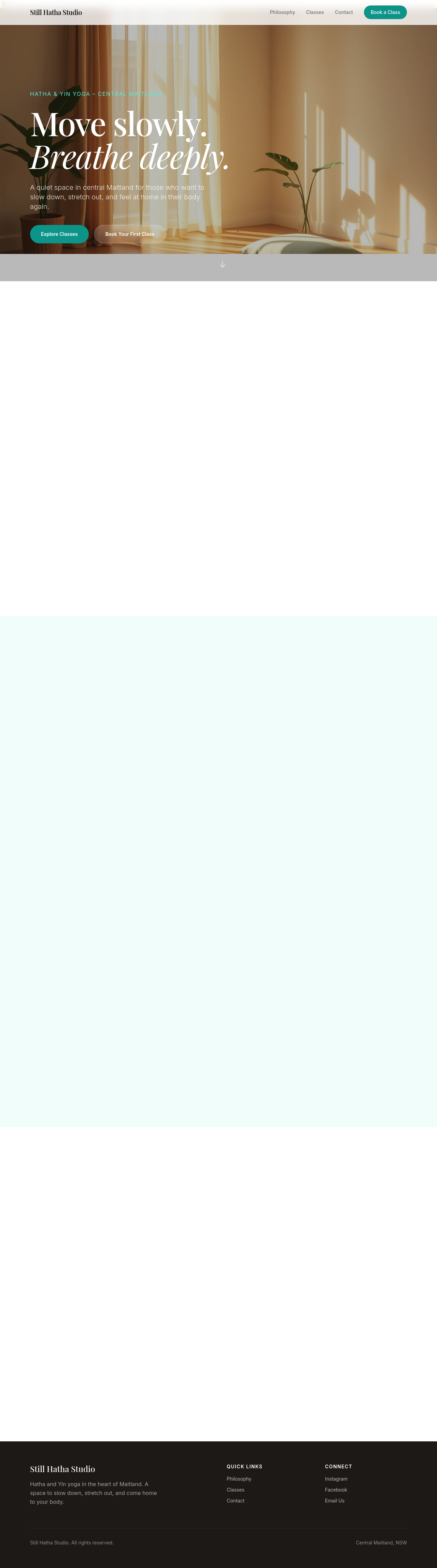
I added a new “back‑to‑top” section just before the footer on **index.html**. It contains a fixed‑position button that stays hidden until you’ve scrolled 400 px, then appears and smoothly scrolls the page back to the top when clicked. The change is in the draft and ready for your review.
Tool calls
list_sections step 1
{
  "page": "index.html"
}
add_section step 2
{
  "page": "index.html",
  "name": "back-to-top",
  "label": "Back to Top Button",
  "html": "<button id=\"backToTop\" title=\"Back to top\" style=\"position:fixed;bottom:24px;right:24px;display:none;width:48px;height:48px;font-size:24px;background:#000;color:#fff;border-radius:50%;box-shadow:0 2px 6px rgba(0,0,0,0.2);cursor:pointer;z-index:1000;\">↑</button>\n<script>\n  const btn = document.getElementById('backToTop');\n  window.addEventListener('scroll', () => {\n    if (window.scrollY > 400) {\n      btn.style.display = 'flex';\n    } else {\n      btn.style.display = 'none';\n    }\n  })