add a sticky header that's transparent at top, solid white when scrolled

Agent's response
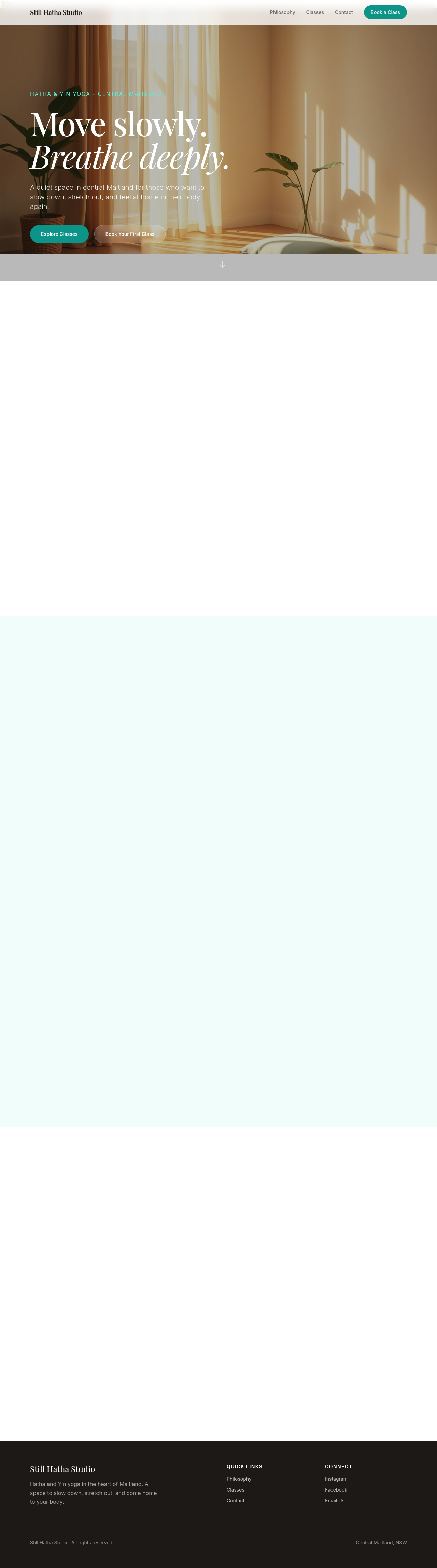
I added a new “Sticky Header Script” section at the very top of the page. The script makes the existing navbar (id = “navbar”) fully transparent when the page is at the top, then switches it to a solid white background with a subtle shadow once you scroll past about 50 px. This gives you the sticky header behavior you asked for—transparent at the top, solid white when scrolled.
The change is saved as a draft; you can review and publish it when you’re ready.
Tool calls
list_partials step 1
{}
list_sections step 2
{
  "page": "index.html"
}
read_page step 3
{
  "page": "index.html"
}
add_section step 4
{
  "page": "index.html",
  "name": "sticky-header-script",
  "label": "Sticky Header Script",
  "html": "<script>\n  // Ensure navbar starts transparent\n  const navbar = document.getElementById('navbar');\n  if (navbar) {\n    navbar.style.backgroundColor = 'transparent';\n    navbar.style.backdropBlur = 'none';\n  }\n  window.addEventListener('scroll', () => {\n    if (navbar) {\n      if (window.scrollY > 50) {\n        navbar.style.backgroundColor = '#fff';\n        navbar.style.backdropBlur = 'none';\n        navbar.style.boxShadow = '0 2px 4px rgba(0,0,0,0.1)';\n      } else {\n