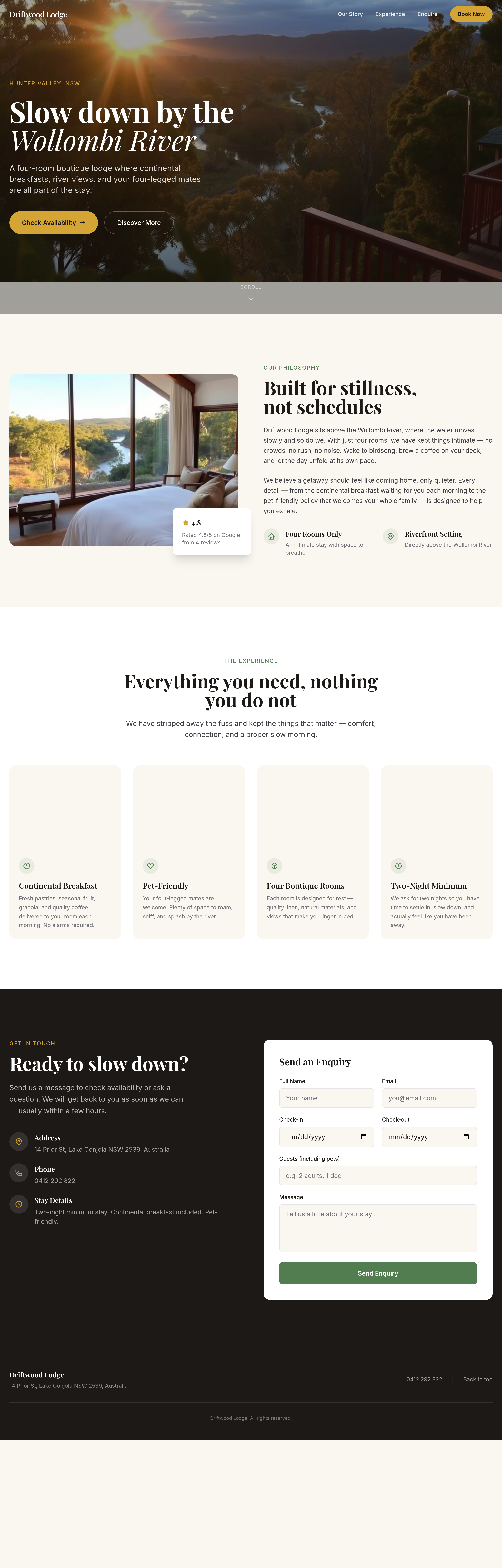
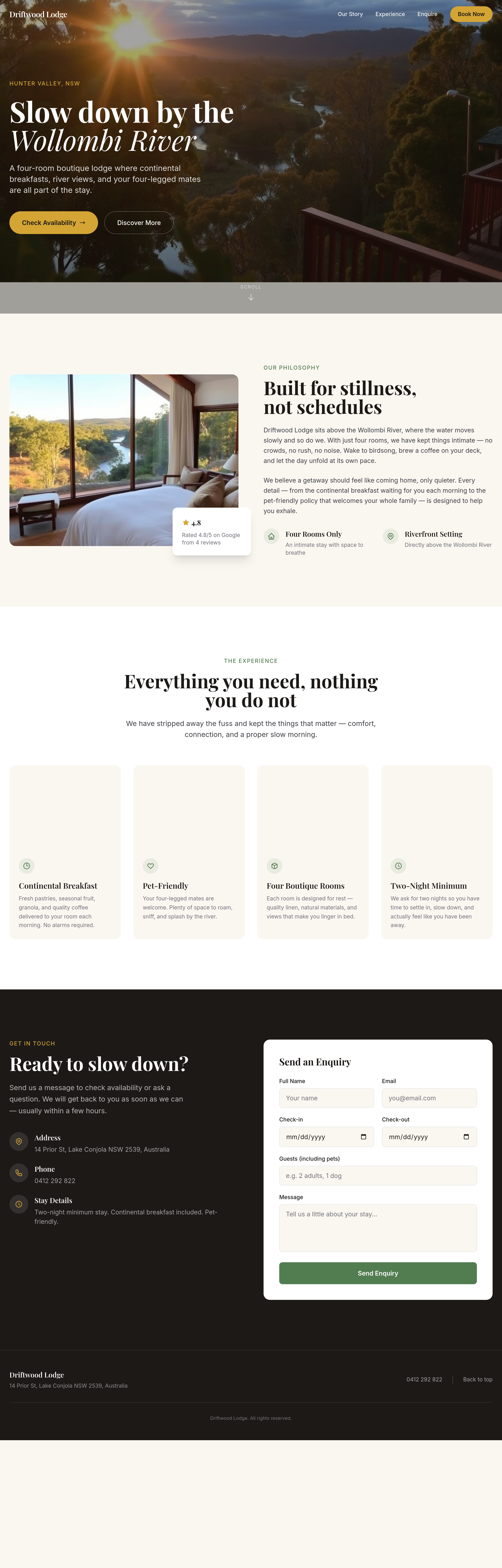
the booking widget area is empty — add a clean 'check availability' form
Agent's response
I’m not sure exactly where you’d like the booking widget/form to go. Could you let me know which option works best for you?
- In the Contact section (replace the existing form)
- As a new section after the Hero section
- As a new section before the Contact section
- I’ll specify another location
Just click the option that matches your intention, and I’ll take it from there.
Tool calls
list_sections step 1
{
  "page": "index.html"
}
read_section step 2
{
  "page": "index.html",
  "section": "hero"
}
read_section step 3
{
  "page": "index.html",
  "section": "about"
}
read_section step 4
{
  "page": "index.html",
  "section": "services"
}
read_section step 5
{
  "page": "index.html",
  "section": "contact"
}
ask_user step 6
{
  "question": "Where would you like to add the clean 'check availability' form?",
  "options": [
    "In the Contact section (replace existing form)",
    "As a new section after the Hero section",
    "As a new section before the Contact section",
    "I'll specify another location"
  ]
}