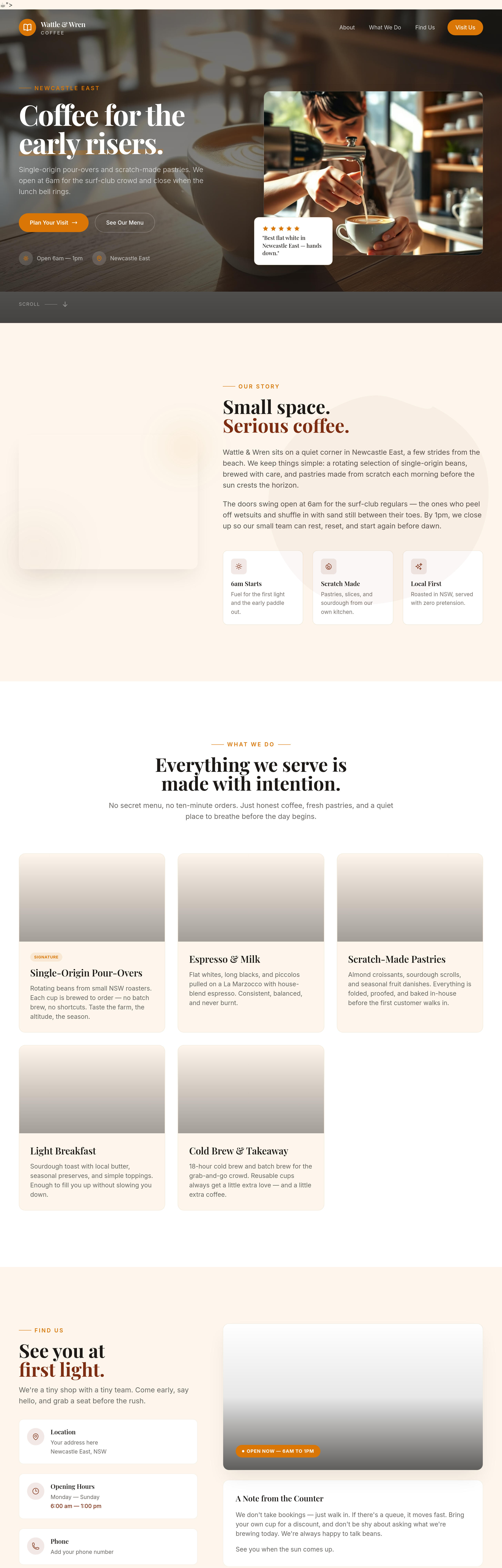
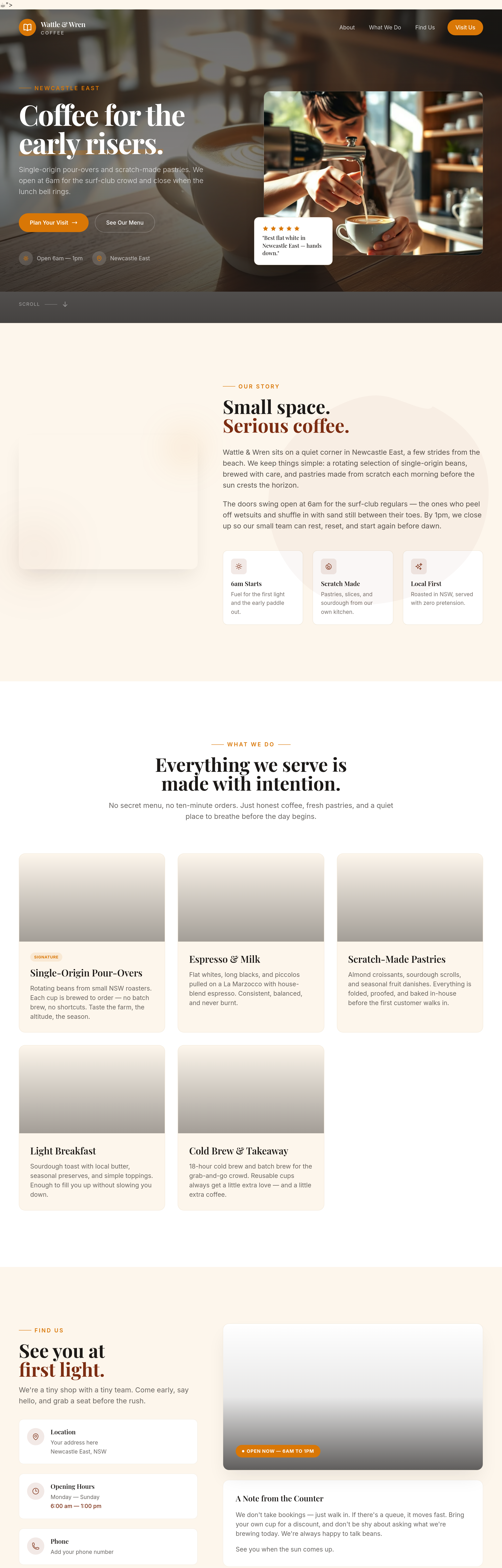
add proper container max-widths so text doesn't span the full screen on wide monitors
Agent's response
I’ve reviewed the page and each section already includes a max‑width container (the `max-w-7xl mx-auto` classes) to keep text from stretching edge‑to‑edge on wide screens.
If you’d like me to add or adjust a container in a specific section, just let me know which one, or confirm that the current setup is fine.
Tool calls
list_sections step 1
{
  "page": "index.html"
}
read_section step 2
{
  "page": "index.html",
  "section": "hero"
}
read_section step 3
{
  "page": "index.html",
  "section": "about"
}
read_section step 4
{
  "page": "index.html",
  "section": "services"
}
read_section step 5
{
  "page": "index.html",
  "section": "contact"
}
ask_user step 6
{
  "question": "Which section would you like to add a max-width container to, or do you think all sections already have proper containers?",
  "options": [
    "Hero",
    "About",
    "Services",
    "Contact",
    "All sections already have containers"
  ]
}