use a serif font for the headings — feels more boutique
What changed: hero
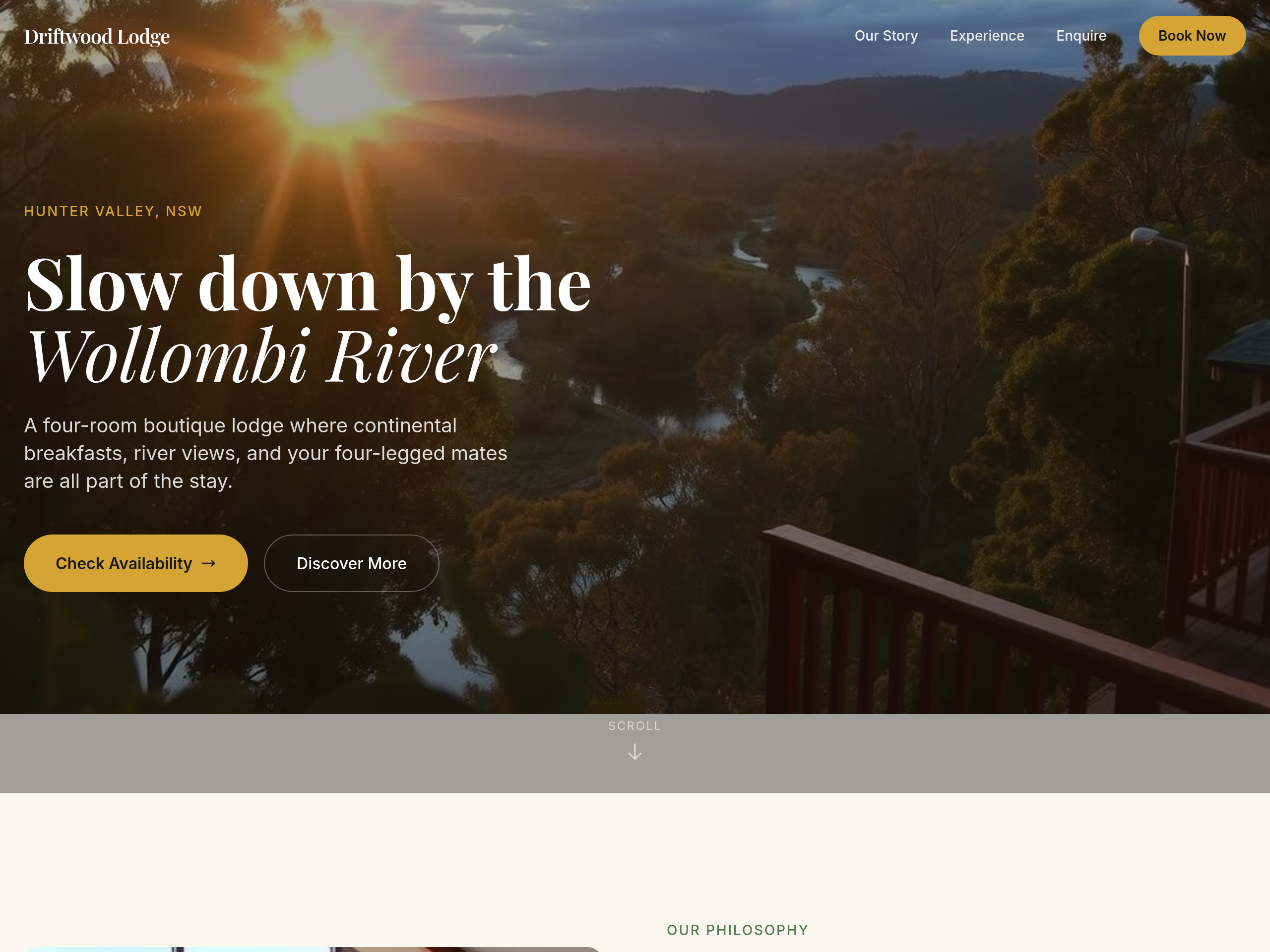
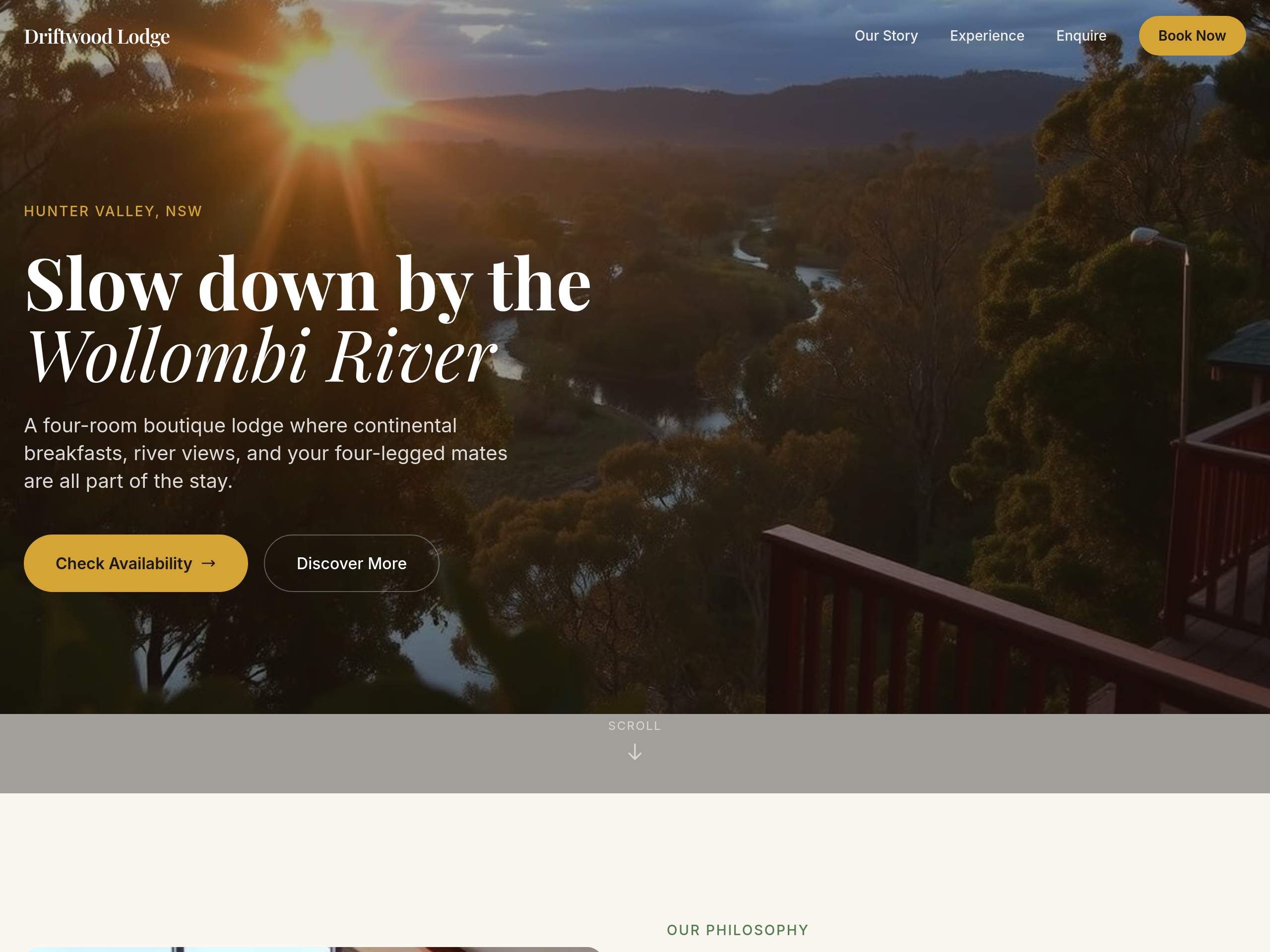
View full page before/after
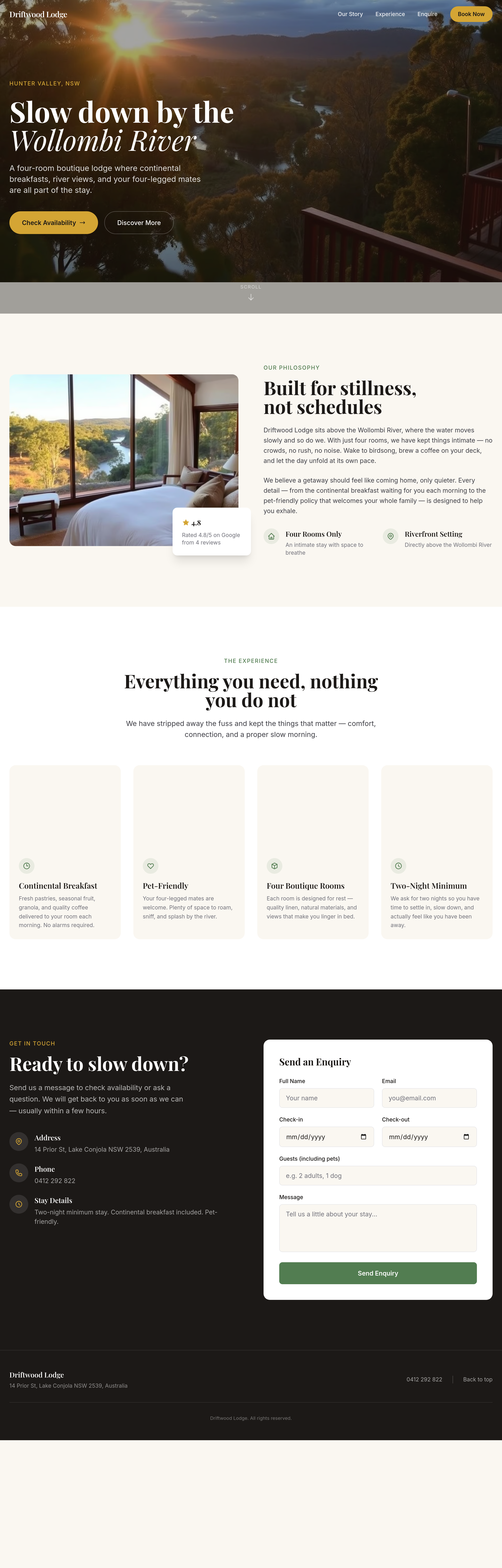
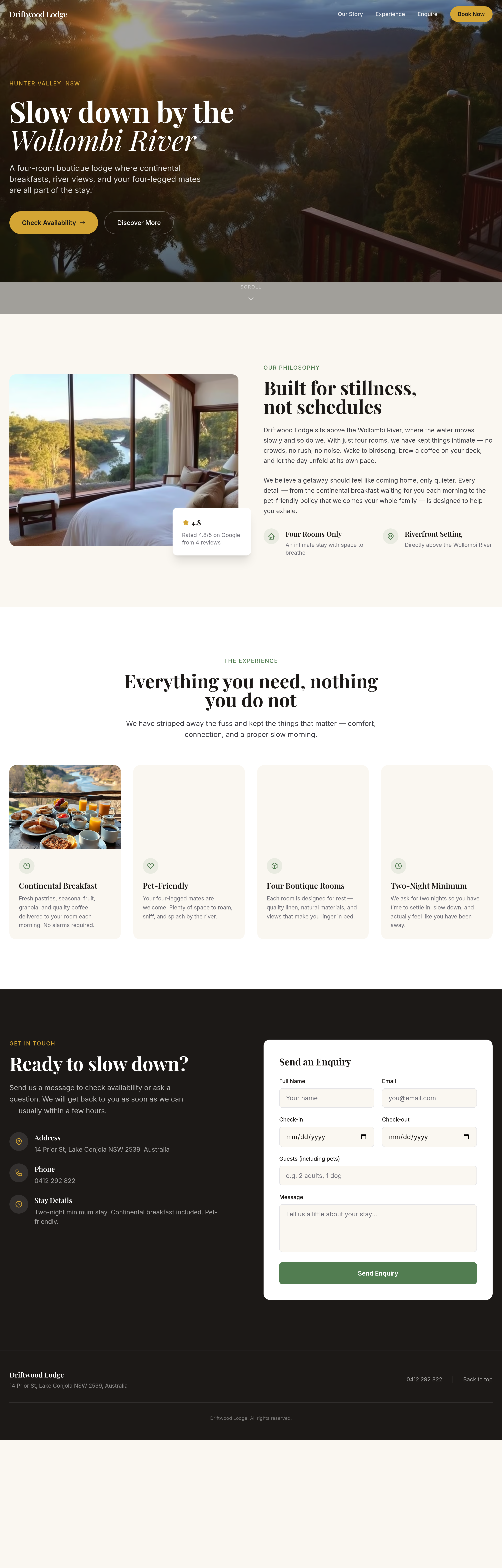
Agent's response
I’ve updated the heading fonts across all sections (hero, about, services, contact) to use a serif — Playfair Display — giving the site a more boutique feel. The changes are saved as drafts; you can review and publish them when ready.
Tool calls
list_sections step 1
{
  "page": "index.html"
}
set_section_styles step 2
{
  "page": "index.html",
  "section": "hero",
  "css": "@import url('https://fonts.googleapis.com/css2?family=Playfair+Display:wght@400;600&display=swap');\nh1, h2, h3, h4, h5, h6 { font-family: 'Playfair Display', serif; }"
}
set_section_styles step 3
{
  "page": "index.html",
  "section": "about",
  "css": "@import url('https://fonts.googleapis.com/css2?family=Playfair+Display:wght@400;600&display=swap');\nh1, h2, h3, h4, h5, h6 { font-family: 'Playfair Display', serif; }"
}
set_section_styles step 4
{
  "page": "index.html",
  "section": "services",
  "css": "@import url('https://fonts.googleapis.com/css2?family=Playfair+Display:wght@400;600&display=swap');\nh1, h2, h3, h4, h5, h6 { font-family: 'Playfair Display', serif; }"
}
set_section_styles step 5
{
  "page": "index.html",
  "section": "contact",
  "css": "@import url('https://fonts.googleapis.com/css2?family=Playfair+Display:wght@400;600&display=swap');\nh1, h2, h3, h4, h5, h6 { font-family: 'Playfair Display', serif; }"
}