add a kids-friendly section explaining how we handle nervous young patients
Agent's response
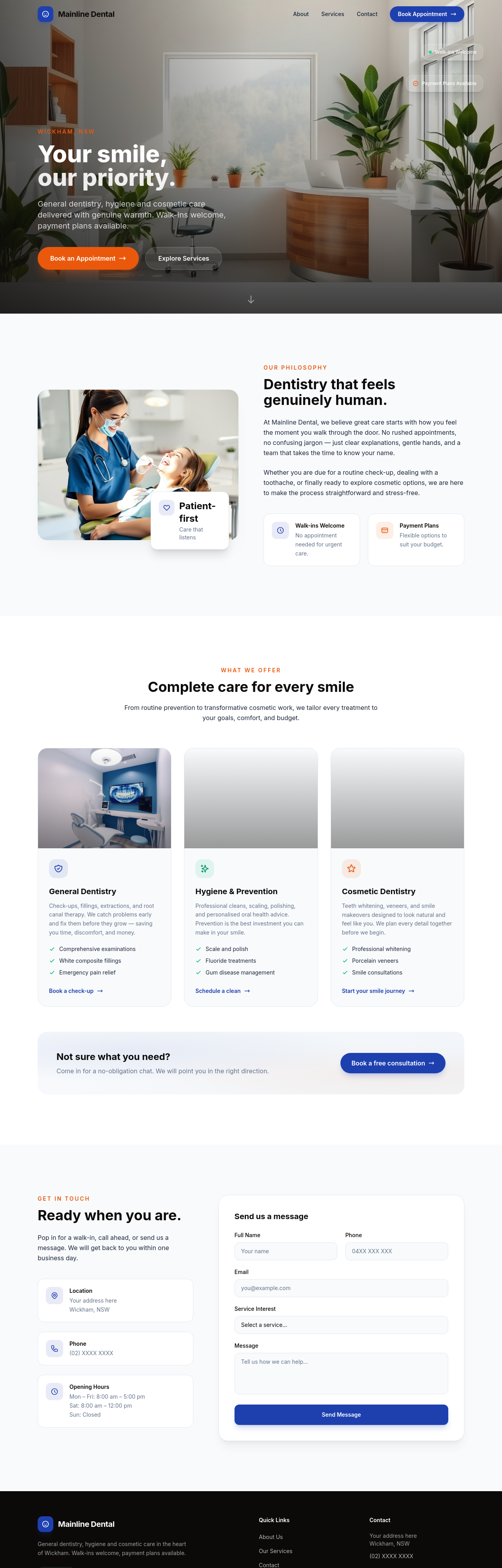
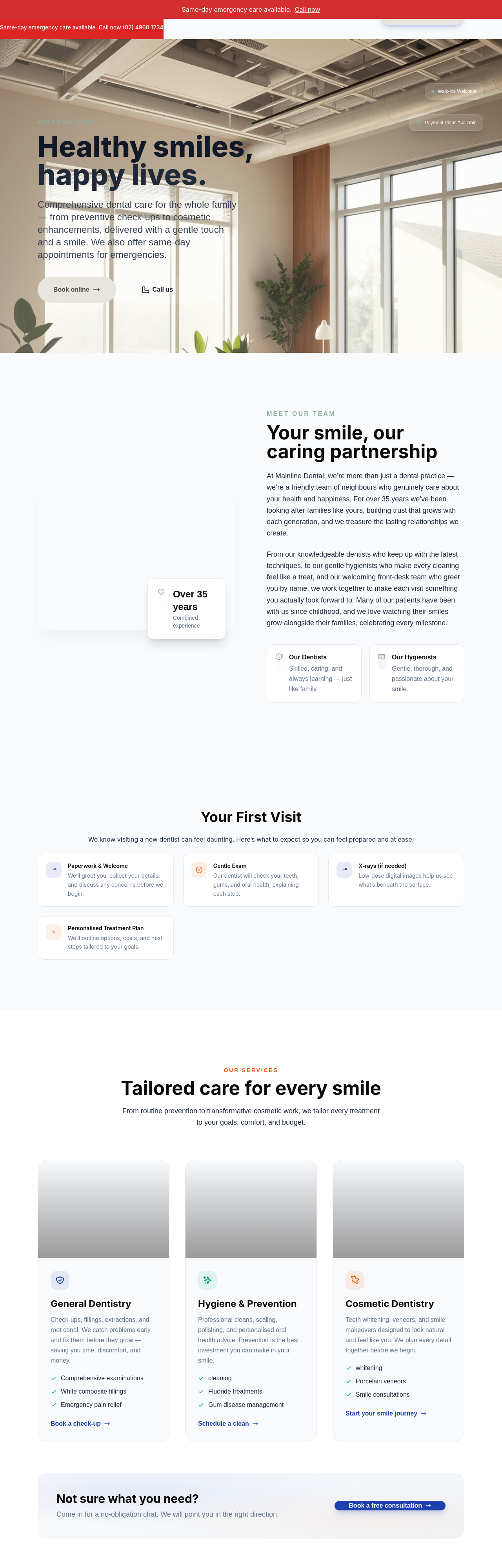
Added a new “Kids Friendly” section after the services area, complete with a heading, a friendly illustration, and a clear list of how we help nervous young patients. The draft is ready for your review—just publish when you’re happy with it.
Tool calls
list_sections step 1
{
  "page": "index.html"
}
read_section step 2
{
  "page": "index.html",
  "section": "services"
}
generate_image step 3
{
  "prompt": "A friendly dentist in a bright, colorful dental office showing a young child sitting in the dental chair, the dentist giving a thumbs-up, playful decorations on the walls, soft pastel colors, warm lighting, editorial photography style suitable for a dental website",
  "style": "photo",
  "slug": "kids-friendly-dentist"
}
add_section step 4
{
  "page": "index.html",
  "name": "kids",
  "label": "Kids Friendly",
  "html": "<section id=\"kids\" class=\"py-28 sm:py-36 bg-surface\" data-flare-id=\"kids\">\n  <div class=\"max-w-6xl mx-auto px-5 sm:px-8\">\n    <div class=\"text-center max-w-2xl mx-auto mb-16 reveal\">\n      <p class=\"text-accent font-semibold text-sm uppercase tracking-[0.2em] mb-3\">Kids Dentistry</p>\n      <h2 class=\"font-display font-bold text-4xl sm:text-5xl text-ink leading-tight mb-5\">Gentle care for little smiles</h2>\n      <p class=\"text-lg text-base leading-relaxed\">\n        We know visiting the dent