add a 'skip to main content' link at the top for keyboard users

Agent's response
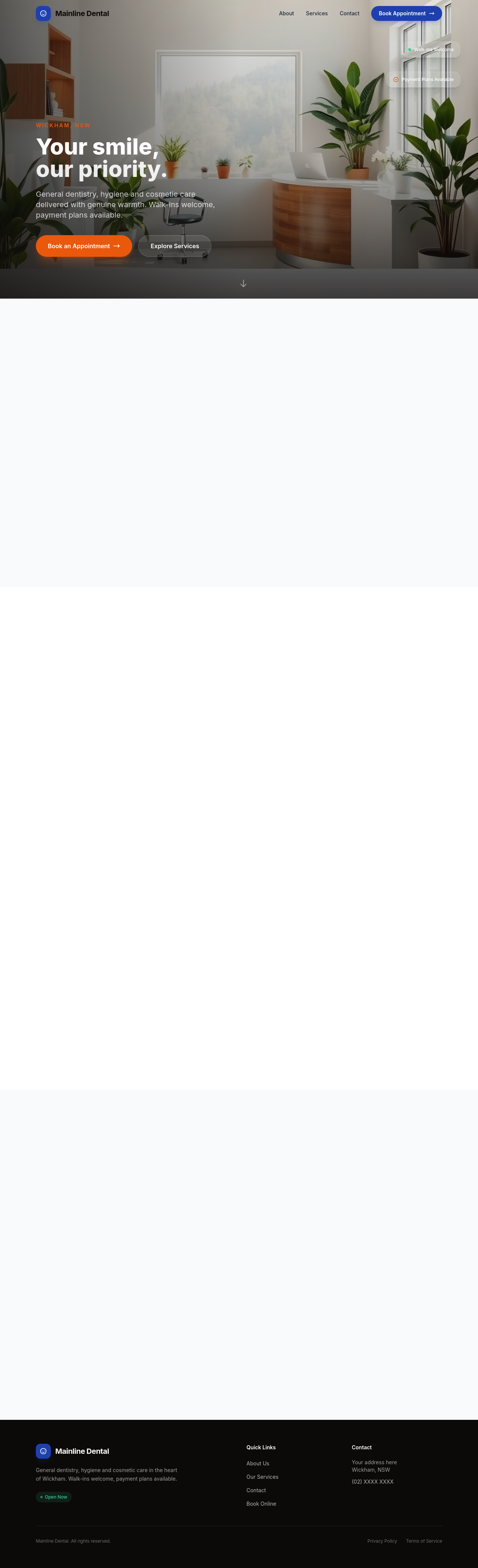
I’ve added a “Skip to main content” link as the very first section on the page and updated the hero section so it has an `id="main-content"` for the link to target. The changes are in the draft and ready for your review.
Tool calls
list_sections step 1
{
  "page": "index.html"
}
read_section step 2
{
  "page": "index.html",
  "section": "hero"
}
add_section step 3
{
  "page": "index.html",
  "name": "skip-link",
  "label": "Skip to main content link",
  "html": "<a href=\"#main-content\" class=\"skip-link\" style=\"display:inline-block; padding:8px 12px; background:#000; color:#fff; text-decoration:none; font-size:1rem;\">Skip to main content</a>",
  "position": "start"
}
update_section step 4
{
  "page": "index.html",
  "section": "hero",
  "html": "<section id=\"main-content\" class=\"relative min-h-screen flex items-end overflow-hidden\" data-flare-id=\"7f8198f0c379\" style=\"font-family: 'Nunito', sans-serif\">\n    <!-- Background image -->\n    <div class=\"absolute inset-0 z-0\">\n      <img src=\"/images/ai-1779260242100-ai-image.png\" sizes=\"(max-width: 600px) 100vw, (max-width: 1200px) 100vw, 1920px\" width=\"1920\" height=\"1080\" alt=\"A modern dental waiting area with indoor plants and natural light\" fetchpriority=\"high\">\n      <div class=\"absolute inset-0 bg-grad